
Rental Agreement Preview
To preview rental agreements, you can simply create a new transaction and set the status to Rental Agreement. There are two ways to do this:
- Pick up via the pickup workflow in the BookytApp.
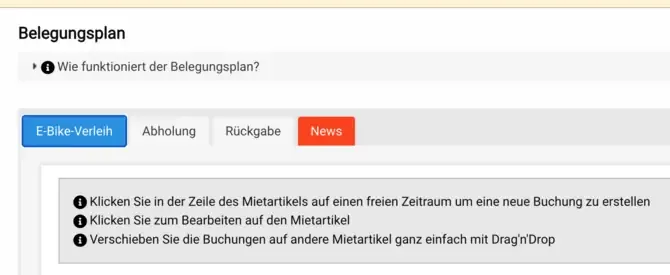
- In the backend occupancy schedule.
Alternatively, you can also manually set the status to Rental Agreement in the booking form (edit booking).
Once you have done this, the rental agreement will be displayed!