
Using DATEV Export with the Statistics Module
To make optimal use of the DATEV system, the Statistics module is relevant. You can find it under Statistics → Accounting.
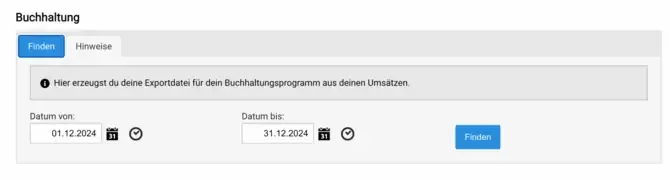
Please note the following points:
- Both the revenue account and the cost center must be stored in the items and vehicles.
- DATEV works according to the principle of accrual taxation.
- The process involves creating a DATEV file, which you can download to your local computer and then import into your accounting software.
- When assigning the debtor number, the following order is observed, depending on availability:
- In Document field 1, enter the invoice number.
- The invoice date is shown in accordance with accrual taxation.
The debtor number is determined in this order:
- Customer debtor number field
- Customer customer number
- Debtor number from the payment method
To validate the generated DATEV file, please use the provided validation tool: Validation tool.