Enable the Statistics Module
To enable the statistics module, open your account’s administration settings. From there, select the Account section and enable the options for Reporting and Analysis. You can then access and analyze the statistics.
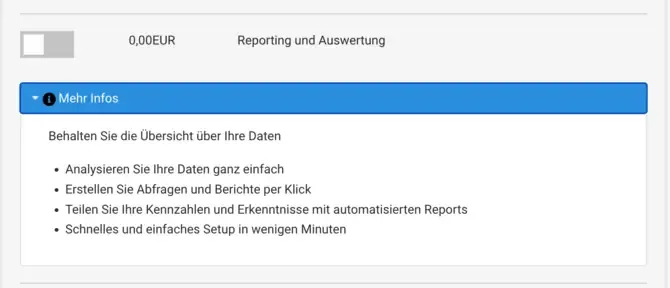

To enable the statistics module, open your account’s administration settings. From there, select the Account section and enable the options for Reporting and Analysis. You can then access and analyze the statistics.
In our extensive resource collection, you will find a wide range of engaging tutorials that show you step by step how to use the Bookyt rental...
Read more →Increase the security of your accounts by enabling two-factor authentication (2FA) in your settings.
Read more →The Bookyt Reporting Tool enables you to collect and analyze your statistical data effectively.
Read more →Manage the privacy policy in the Bookyt backend Manage the privacy policy in the Bookyt backend To update the terms and conditions and privacy policy in your Boo...
Read more →To allow agencies and stations to book directly in Bookyt, you can activate the Agency Login.
Read more →