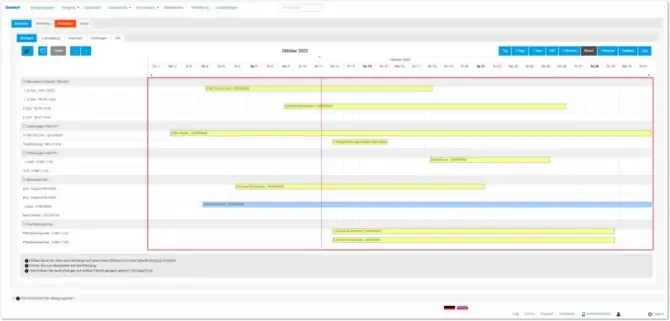
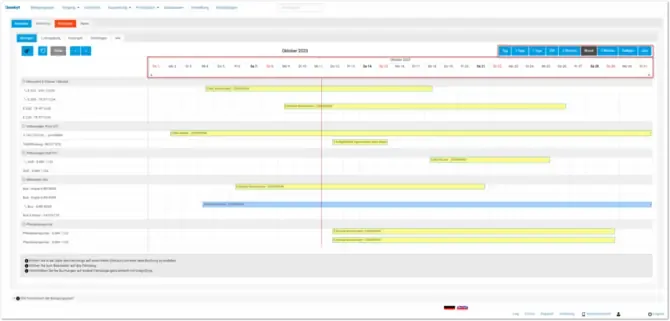
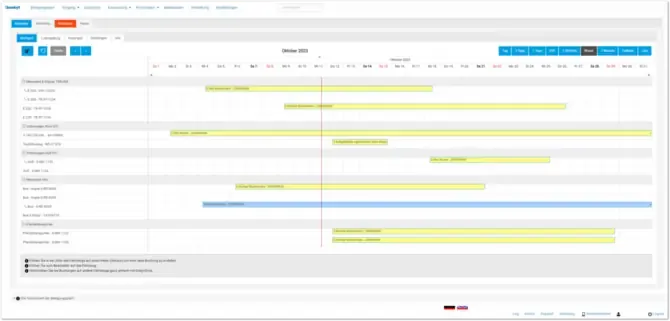
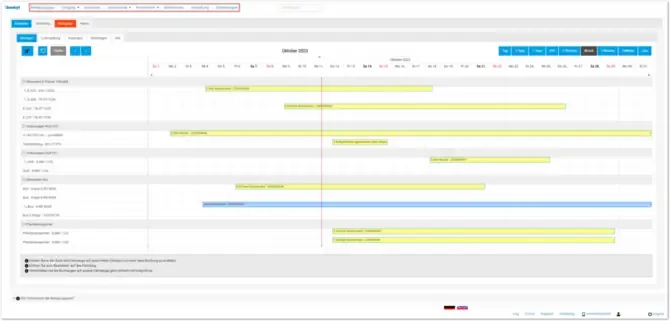
The digital occupancy schedule shows bookings, blocked periods, and utilization for your rental items in a clear calendar view. It helps you check availability faster and make changes directly in the schedule.
Key Features
- Display bookings and blocked periods in a calendar view
- Check the utilization of individual rental items
- Move bookings using drag and drop
- Open details by hovering or clicking
- Work with hourly and daily views
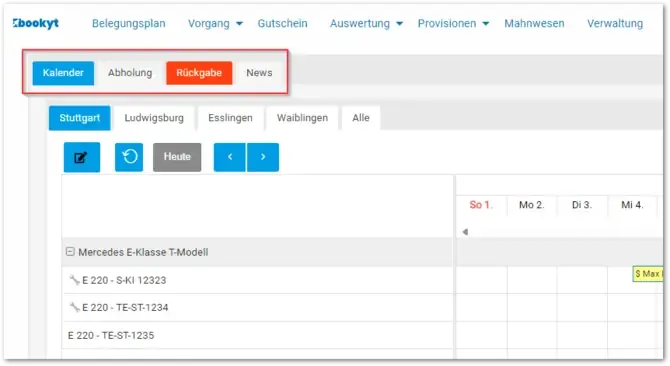
- View pickups and returns directly from the schedule
Editing Bookings
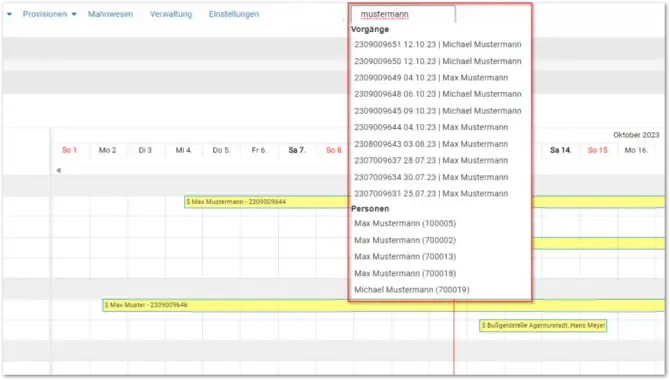
Clicking a booking opens the associated options. Depending on the process, you can review details, make changes, or manage blocked periods.
Rental Items and Stations
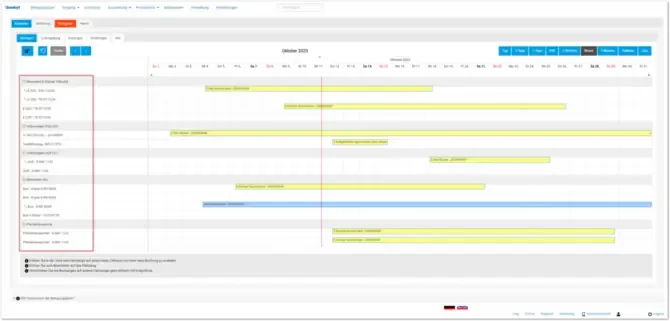
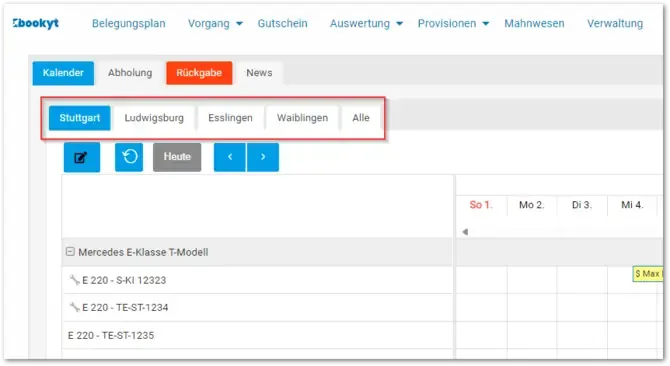
Rental items are displayed in the left-hand sidebar. This lets you quickly see which items are available and where bottlenecks exist. If you work with multiple stations, the view helps you check availability by location.
Benefits
- Central overview of bookings and rental items
- Fast availability checks
- Easier planning of pickups and returns
- Transparent view of utilization and bottlenecks
Additional Views