
With Tap to Pay, you can accept contactless payments directly on a compatible iPhone. Physical debit and credit cards are supported, as well as Apple Pay and other digital wallets.
Benefits
- no additional card terminal hardware required
- contactless payment directly on the iPhone
- support for cards and digital wallets
- secure and fast payment processing
Accept a Contactless Card
- Open the payment function on the iPhone.
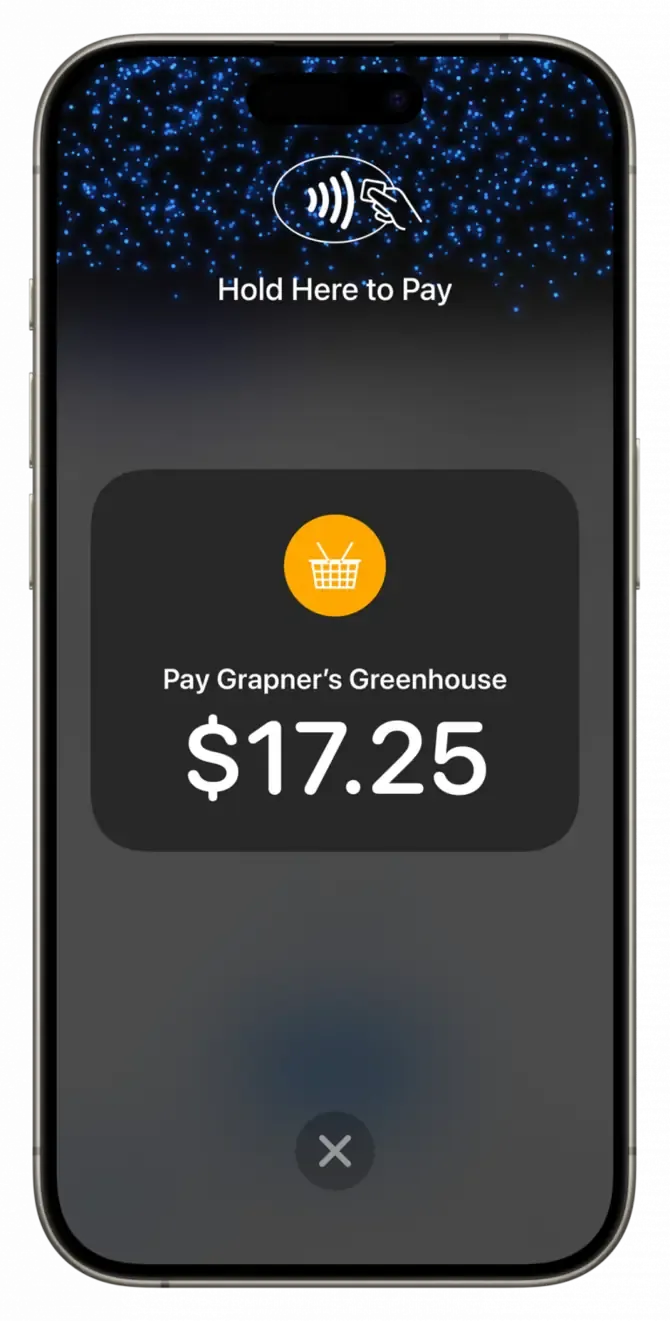
- Enter the amount and select Tap to Pay.
- Show the iPhone to the customer.
- The customer holds their card near the top of the iPhone over the contactless symbol.
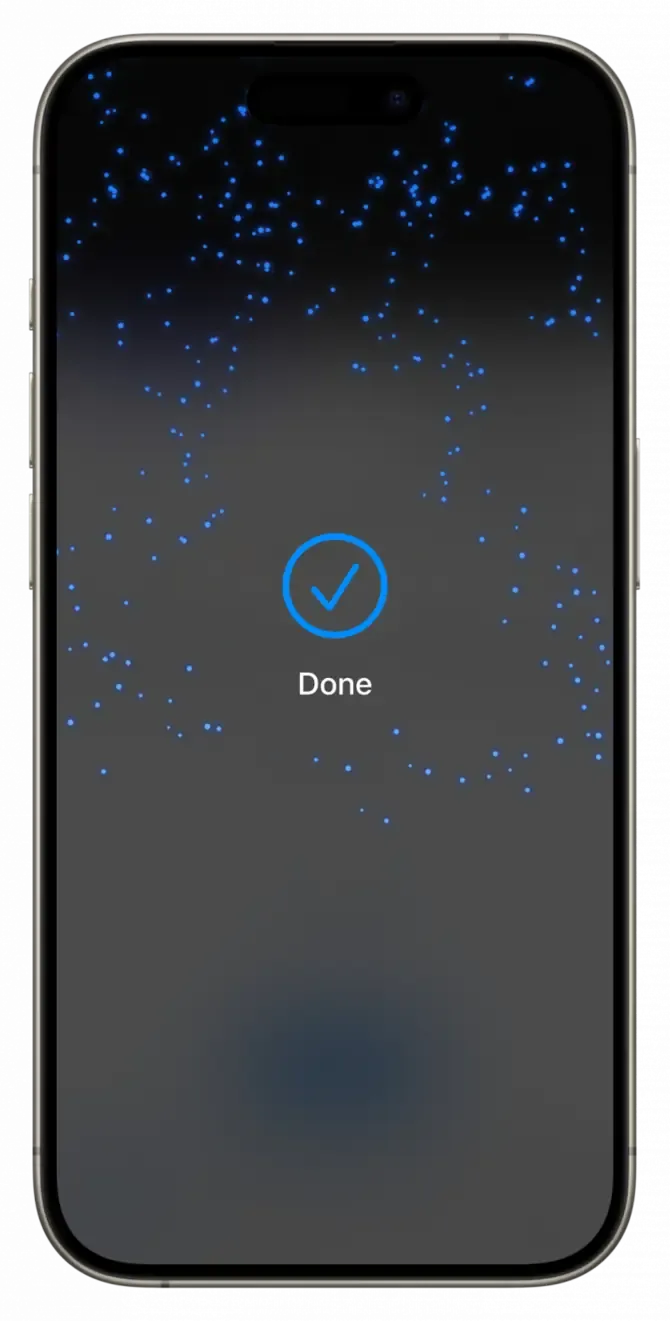
- Once the “Done” checkmark appears, the transaction is complete.
Accept Apple Pay and Wallets
- Open the payment function and enter the amount.
- Select Tap to Pay.
- Show the iPhone to the customer.
- The customer holds their device near your iPhone.
- The transaction is complete as soon as the “Done” checkmark is displayed.
PIN for Contactless Payments
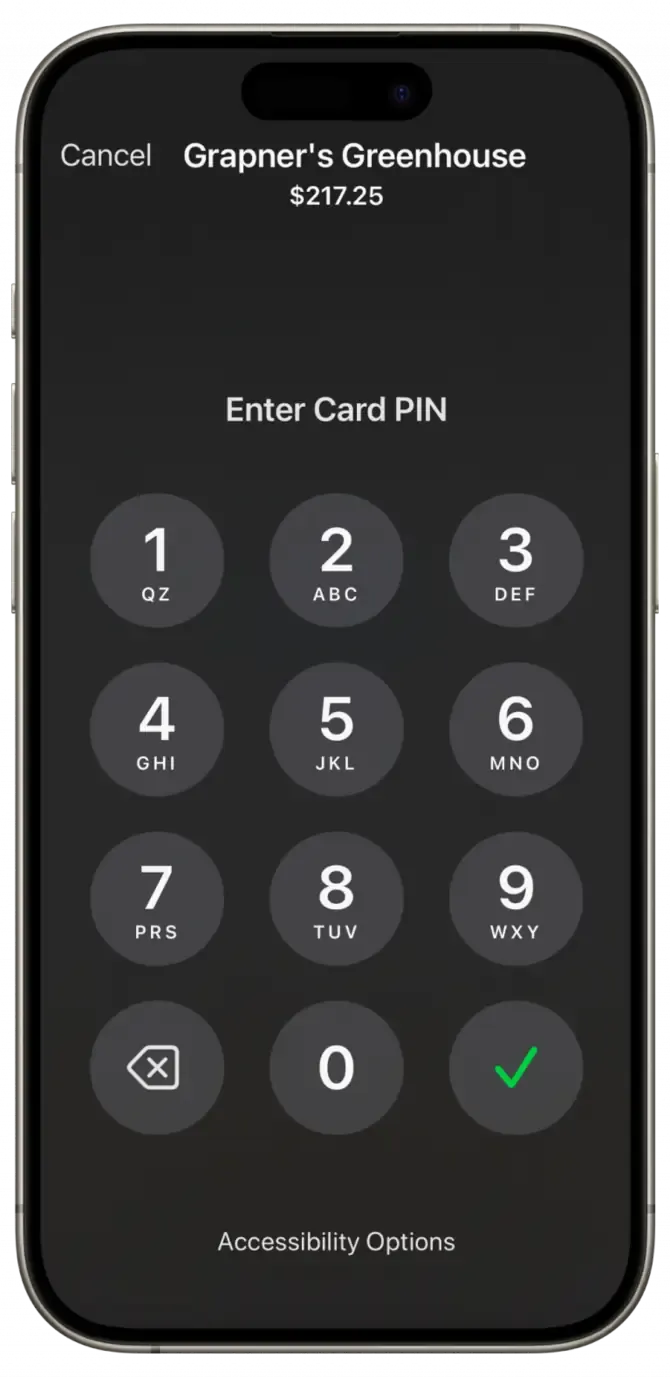
For some contactless payments, PIN entry may be required. The app will indicate in good time when a PIN is needed.
Success Message for Tap to Pay
As soon as the payment has been completed successfully, a “Done” checkmark appears on the iPhone. This means the transaction is complete.