
Manage Terms and Conditions and Privacy Policy in the Bookyt Backend Manage the Privacy Policy in the Bookyt Backend
Manage the privacy policy in the Bookyt backend
To update the terms and conditions and privacy policy in your Bookyt backend, first go to Administration. There you will find the Terms and Conditions and Privacy section. In this section, you can insert the corresponding texts. Use the clipboard to paste the terms and conditions directly from your template into the designated fields. Make sure the text formatting is correct so that it is displayed attractively in the frontend.
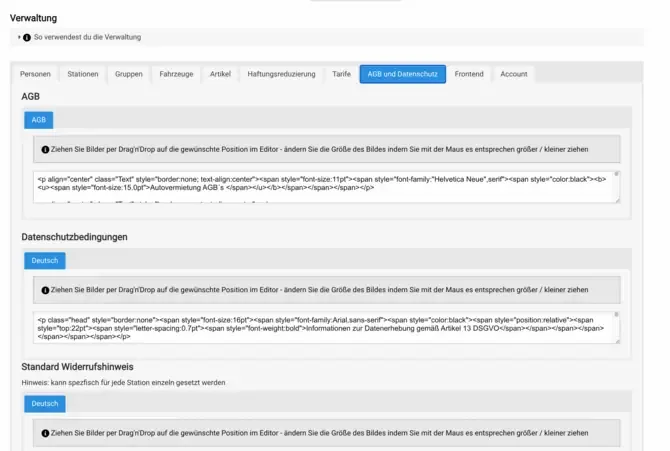
Once you have inserted the content, the changes are visible immediately. This allows you to quickly adjust your legal terms without long waiting times. It is important to regularly check whether your terms and conditions and privacy policy are up to date in order to meet legal requirements. When you make changes, ensure that all relevant information is clear and easy to understand. This not only protects your company, but also informs your customers transparently about their rights and obligations.