
The digital signature makes it possible to have rental agreements signed directly in the Bookyt app. The signature is then saved in the transaction and can be used in forms.
Activation
Open the settings in the Bookyt backend and activate the digital signature for the app process. The function will then be available for pickup and return.
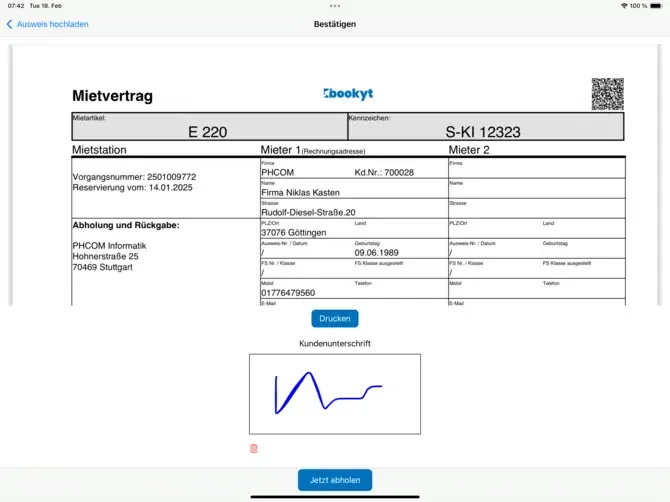
Using It in the App
You can also open the digital signature manually from the booking list. To do this, select the booking and review the relevant transaction data before the signature is captured.
The captured signature is assigned to the transaction and can be used for rental agreements or other documents.