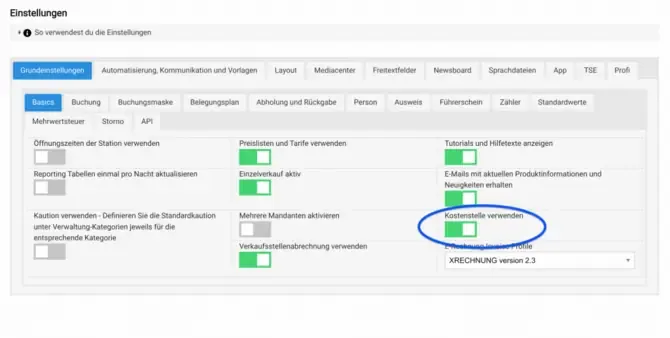
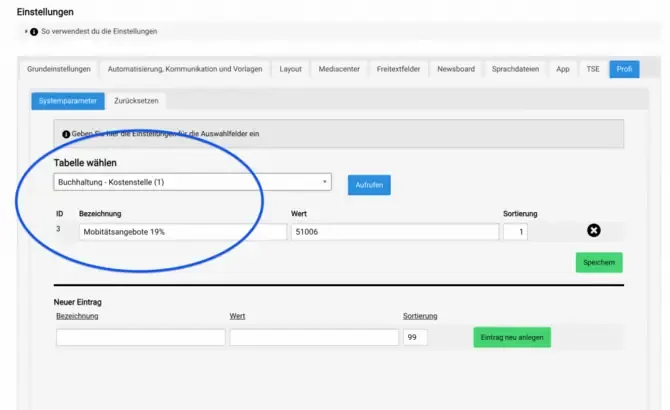
To set up a cost center in Bookyt, first go to the settings and activate the basic function. You can then enter the cost centers in the “Pro” section. These cost centers will later be used for the categories of rental items as well as for individual sales items.
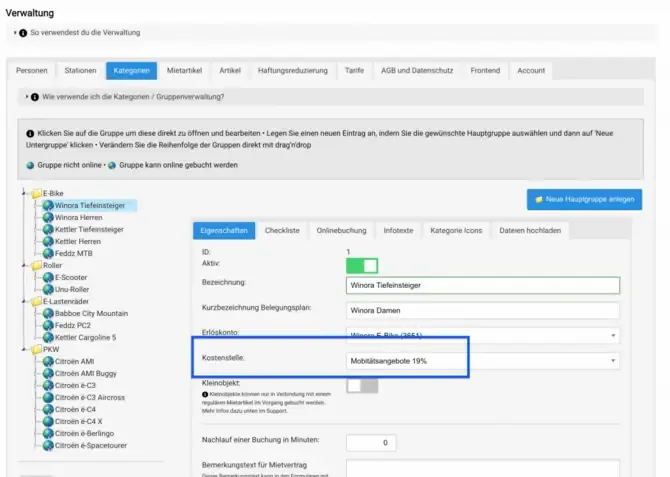
Enter a Cost Center for a Rental Category
Enter the cost center here for the rental category. This gives you a clear assignment and a better overview of your rental items.
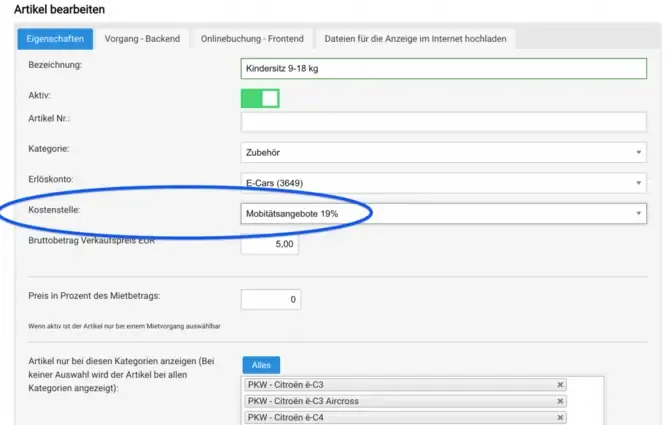
Select a Cost Center for Individual Sales Items
Select the cost center here for the individual sales item. This ensures that your sales items are also assigned correctly.
Benefits of Cost Centers
Using cost centers in Bookyt offers you numerous benefits:
- Better overview of your expenses
- Easy assignment of rental and sales items
- Optimization of your financial planning